Start with an SVG.
Import your artwork and work with its elements and layers. Keep your vector workflow close to the source.
A LITTLE MOTION GOES A LONG WAY
Turn your SVGs into expressive animations. A visual workspace for layers, timing, and all the little details that bring an idea to life.
Browser extension for Chrome & Edge · Windows app also available
SVG ↗ Layers ↗ Timeline ↗ Motion ↗ Export
01 / MEET YOUR WORKSPACE
See the artwork and the timing together. Work on individual SVG elements, shape a sequence, and preview it as you go.
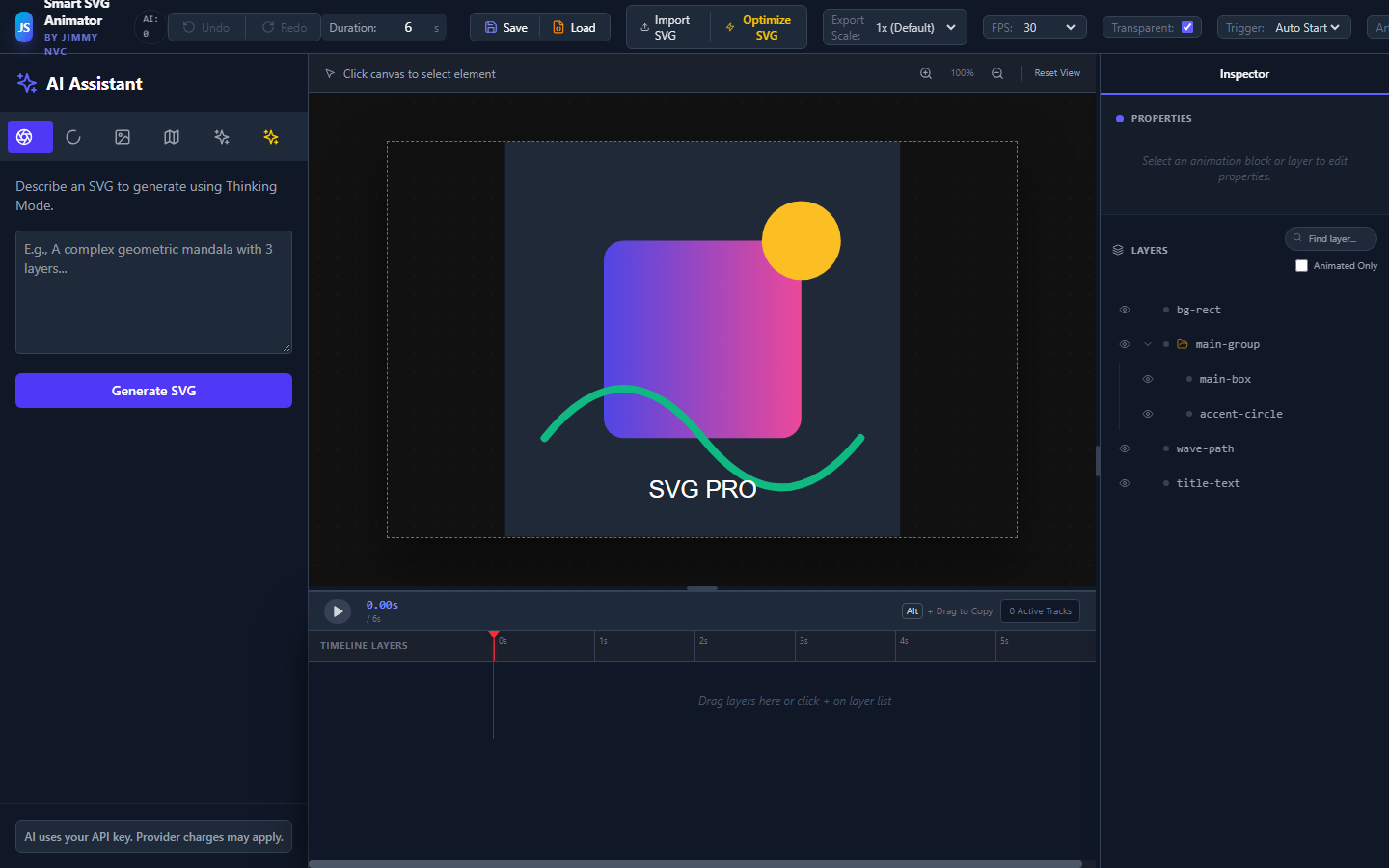
Import your artwork and work with its elements and layers. Keep your vector workflow close to the source.
Arrange animation blocks on a timeline. Adjust timing, preview the movement, and refine the details.
Export animated SVG. Pro adds GIF, MP4, WebM and component exports for React, Vue and Svelte.
LIVE SVG GALLERY / SMALL FILES, BIG PERSONALITY
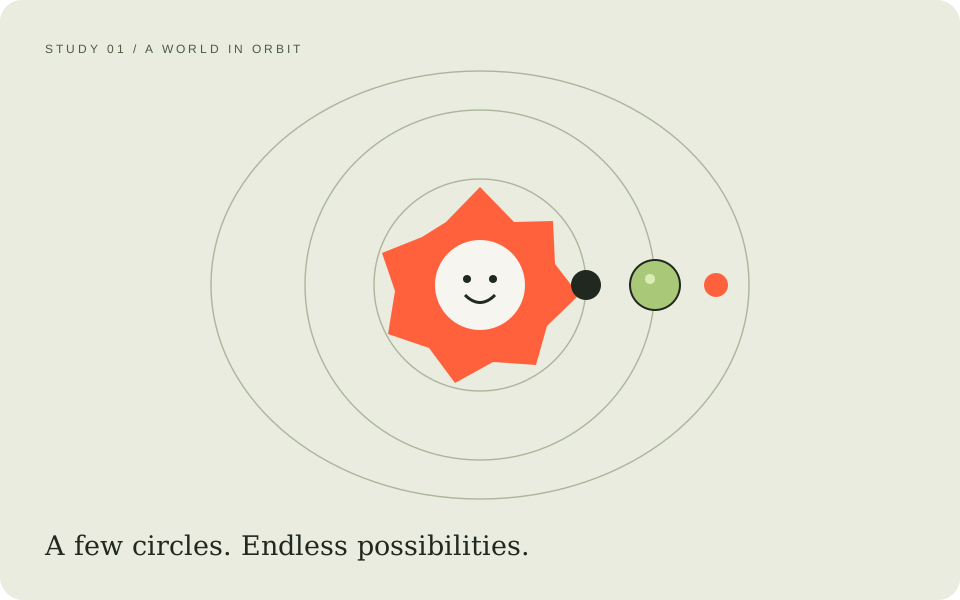
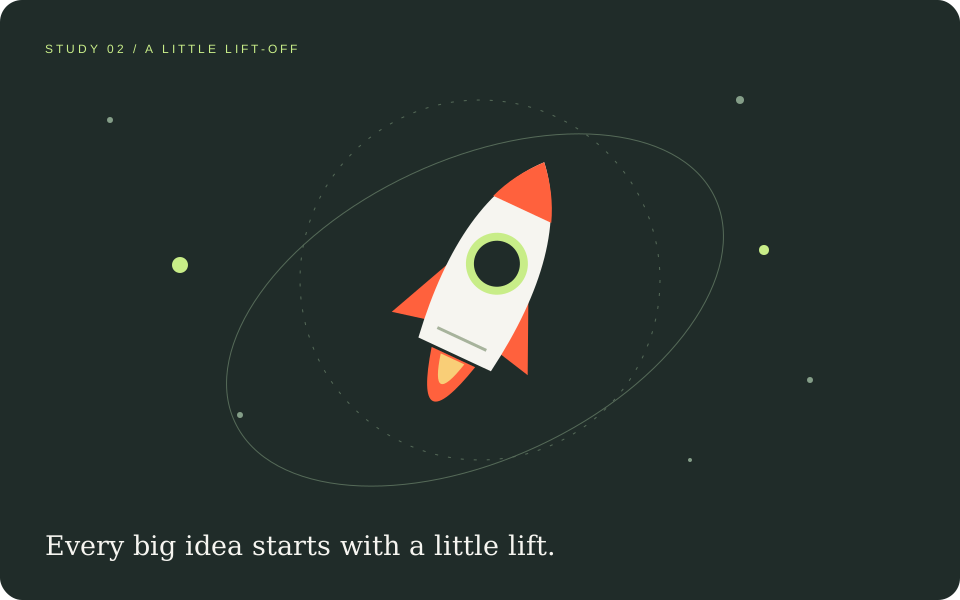
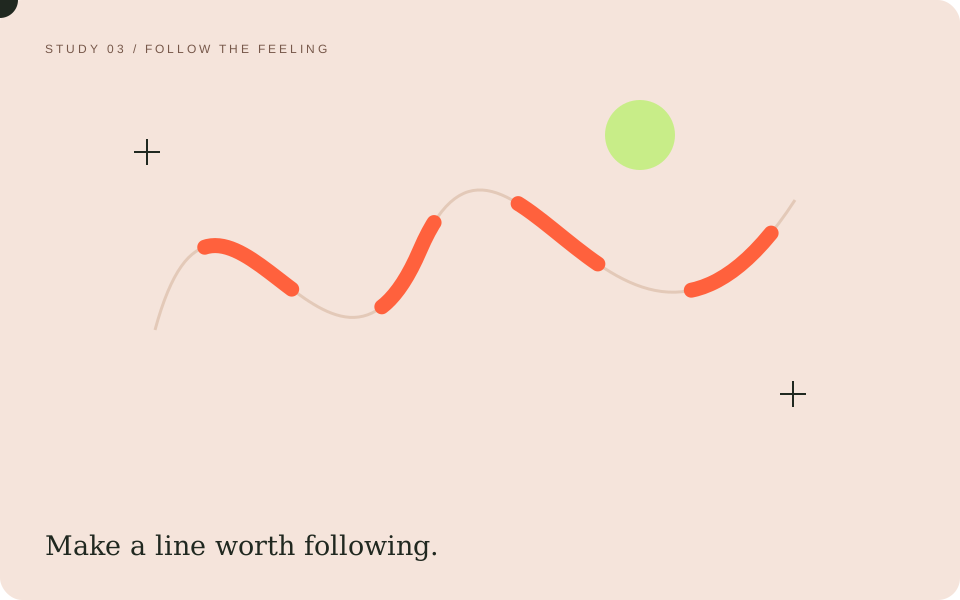
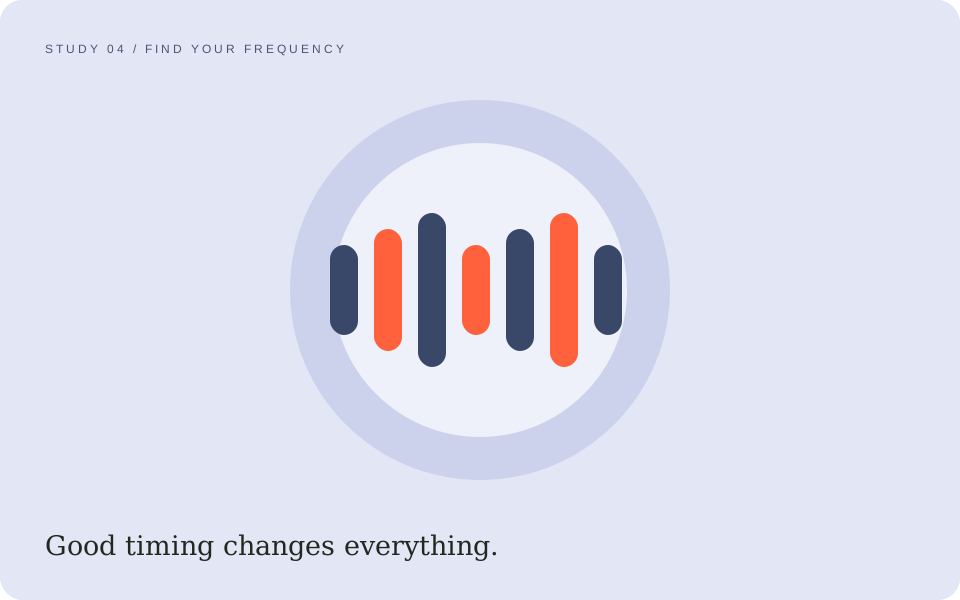
Four original, ready-animated SVG studies. Switch slides, pause the motion, or download the SVG and take a closer look. These are illustrative examples, not recordings of the editor.
A world in orbit · Slide 1 of 4
THE MOTION REEL / THREE WAYS TO MOVE
Explore three animation clips. Each one brings a different kind of energy: a playful flower, a miniature orbit, or a little lift-off.
Original illustrative motion studies, not recordings of the editor. Videos are silent and do not autoplay.
03 / MAKE ROOM FOR MORE
Start with the browser extension’s Free plan. Choose Pro when you need advanced effects and more export options.
Billed annually. Automatically renews until canceled.
Applicable tax is shown at checkout. Secure checkout and card processing by Polar and its payment providers. Internet is required for Pro license checks.
Manage an existing subscription ↗04 / YOUR CANVAS IS WAITING
Pick your workspace. Browser extension and Microsoft Store purchases use separate licenses.
A QUICK START
Extract the ZIP into a folder you’ll keep on your computer. Don’t move it after installation.
Open chrome://extensions or edge://extensions. Turn on Developer mode, choose Load unpacked, and select the extracted folder containing manifest.json.
Click the SVG Animation extension icon. Import an SVG and explore. For Pro, buy through Polar and enter the license key in Settings → Activate license.
BEFORE YOU GET MOVING
No. Install the browser extension to use its Free plan. Pro is an optional USD 25/year subscription for the features listed above.
Checkout opens on Polar. After purchase, find your license key in the Polar customer portal and enter it in Settings. The extension checks the license on launch and periodically while open. Internet access is required for Pro. Your card details are not collected by the extension.
Manage renewal and cancellation in the Polar customer portal. For refund requests, contact vanchau231@gmail.com with your purchase email and order reference. Requests are reviewed under applicable law and Polar’s policies. See our terms and refund information.
AI is optional and requires your own API key from a supported provider. Provider charges may apply separately. When you use AI, your prompt and relevant artwork are sent to your selected provider. Ordinary editing does not require AI.
Ordinary SVG editing, preview and export run on your device. There is no automatic cloud project backup. Optional AI and plugins with network permissions can send data to external services. Read our privacy notice for details.
The Microsoft Store app and browser extension have separate purchase and licensing systems. A Polar extension license does not unlock Store purchases, and a Store purchase does not activate the extension.
Made for your next moving idea.
Questions? Say hello ↗