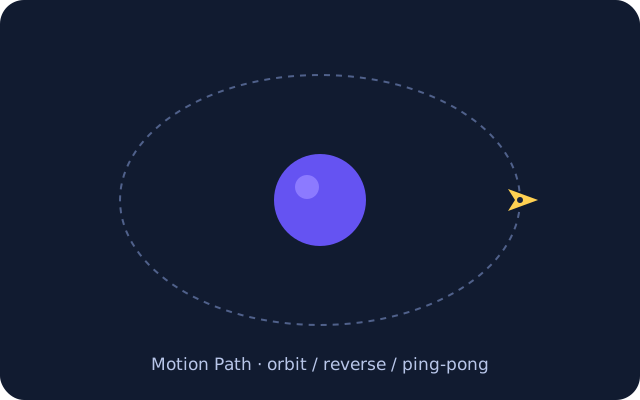
FOLLOW A PATHA small satellite.
A small satellite.
A whole new orbit.
Choose forward, reverse or ping-pong. Adjust the travel range, speed, anchor and rotation.
SMART SVG ANIMATION / FOR VS CODE
Bring your vectors to life without leaving your editor. Shape the movement, play with the timing, and keep your creative workflow together.
Desktop VS Code 1.95+ / trusted local workspace.
Free editing and preview. Optional Pro exports.
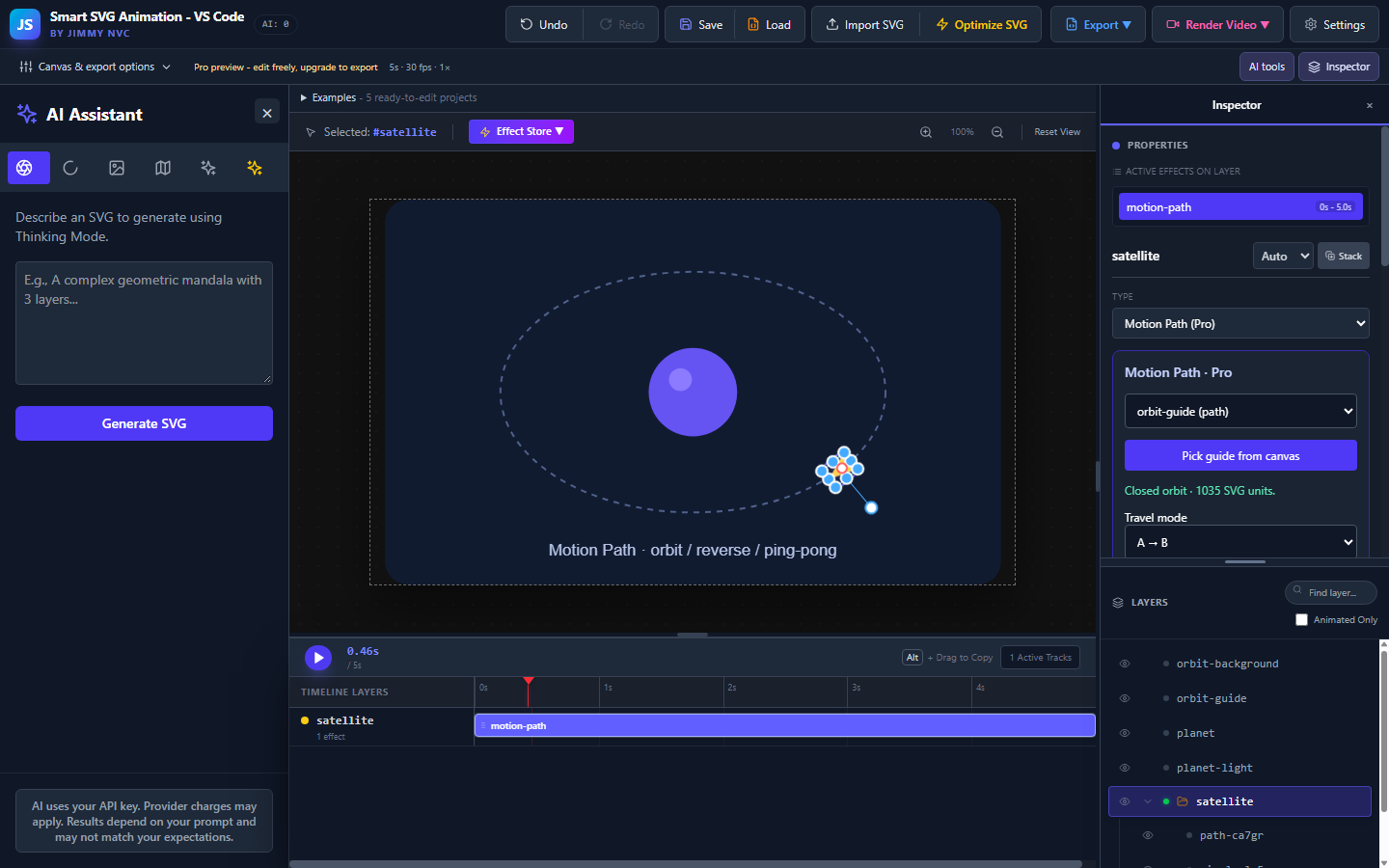
RENDERED BY THE EDITOR / NOT A MOCKUP
These GIFs were rendered by the app. Press Play to explore, or use the included examples to edit the animation yourself.
Choose forward, reverse or ping-pong. Adjust the travel range, speed, anchor and rotation.
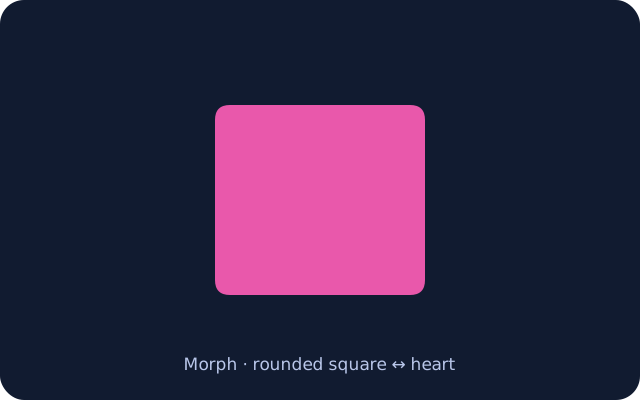
Match compatible shapes, adjust alignment and preview the transformation with Morph Studio.
Motion Path and Morph are available for free editing and preview in the VS Code and browser editions. Exporting these Pro effects requires an active license. Windows features are described separately.
LESS SETUP / MORE MAKING
| Build with | Make it useful |
|---|---|
| Layers & a visual timeline | Coordinate animated logos, icons and product illustrations. |
| Motion Path | Show routes, process flow, circular motion and back-and-forth travel. |
| Morph Studio | Create shape transitions with compatible paths and contours. |
| Five ready-to-edit examples | Learn from an orbit, morph, welcome card, success badge and the original artwork. |
| Save / Load projects | Keep artwork, tracks and timing together in an editable JSON file. |
| Preview before you export | Try every effect on Free, then upgrade when you need Pro output. |
FROM COMMAND PALETTE TO FIRST FRAME
Install from Marketplace, open a trusted local workspace, then run Smart SVG Animation: Open Editor from the Command Palette.
Import SVG or choose Examples. Preview a sample, select Use sample in editor, then adjust layers, effects and timing.
Save an editable JSON project. Use Load and press Play to continue. Export opens a native VS Code Save dialog.
TRY THE WHOLE MOVEMENT
All effects can be edited, copied and previewed on Free. Your project stays editable when a license expires. Save/Load JSON is always available.
Free exports SVG/HTML up to five seconds using only Free effects. Pro is needed to export Pro effects, longer timelines, video/GIF, framework or Lottie files. Lottie preview is free; Morph and Motion Path are not supported by the Lottie exporter in this release.
Codecs depend on the VS Code runtime. Remote/virtual filesystem editing and VS Code for the Web are not supported.
Billed annually. Automatically renews until canceled. Tax and the final total appear at checkout.
Get Pro through Polar ↗Manage subscription / find key ↗Activate in Settings. Credentials stay in VS Code SecretStorage, managed by the Extension Host. The current Polar benefit shares its activation allowance with the browser edition; Microsoft Store purchases remain separate.
Purchase and refund informationOPTIONAL ASSISTANCE / CREATIVE CONTROL STAYS WITH YOU
The visual editor works without AI. Optional AI tools assist with parts of the animation workflow; they are not a complete automated animation service. Results depend on your prompt and artwork, and may not match your expectations. Review and edit the result before using it. Your own provider API key is required, and provider charges may apply separately.
Optimize SVG can produce different results depending on the source artwork, its structure and the operation used. Prepare and edit the artwork first so you can control output quality. Keep a copy, organize layers and groups, remove unwanted hidden objects, and inspect paths, masks, clipping and fonts before and after optimization.
Local cleanup and optional provider-assisted optimization are different operations. When you explicitly use provider tools, submitted prompts and relevant artwork are sent to that provider. Neither operation guarantees a perfect appearance, a smaller file or a ready-to-ship animation.
Keep the original. Compare the result. Preview every important state before export.
YOUR NEXT MOVING IDEA